






The Platform Where Every
Handshake Conference Connection Business Meeting
Remembers Itself
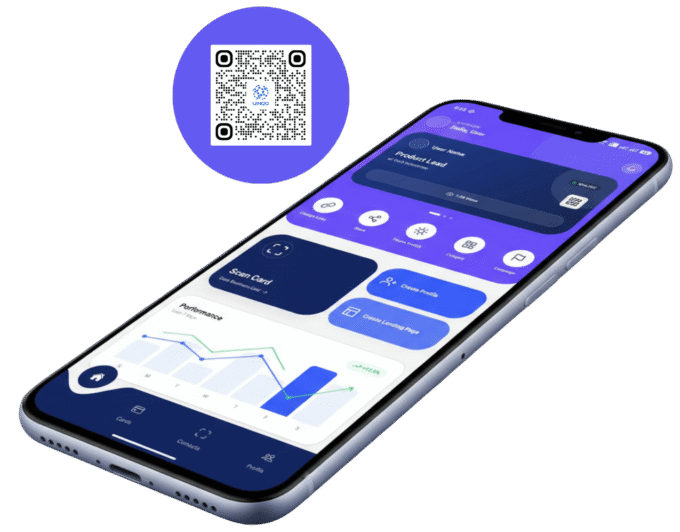
Every person you meet automatically saved with who they are, what they do and exactly where you met them. No manual input. No lost leads. Just organised networking.
A Problem Worth Billions.
Two massive audiences. The same broken reality. No intelligent solution until now.
👤 For Individuals
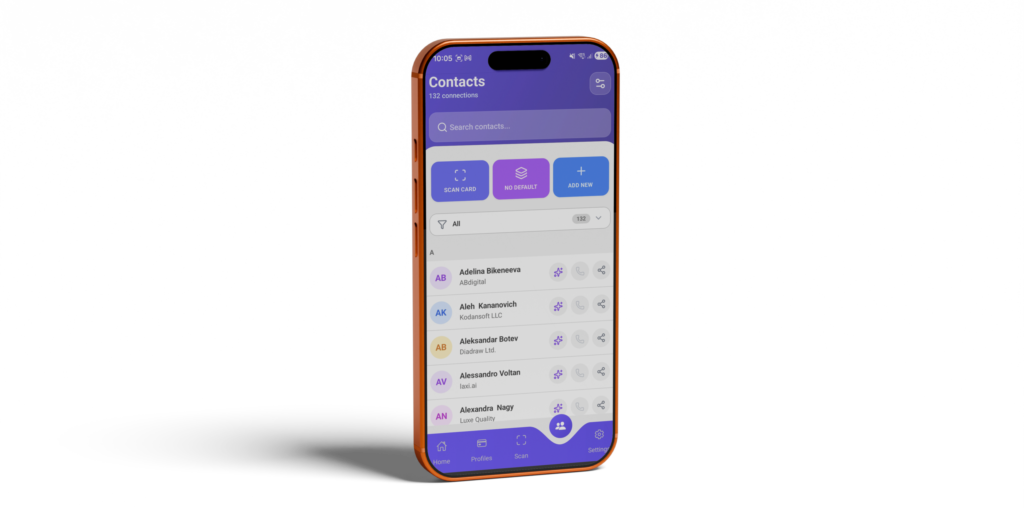
After every event, contacts scatter across apps, pockets and notes. Most leads are never followed up and the opportunity disappears within 48 hours.
LinkedIn is not a CRM. WhatsApp is not a follow-up tool. There is no single intelligent place to capture, categorise, and convert connections.
Every handshake is a missed revenue opportunity. Professionals lose thousands of euros in potential business every single year.
Solution
🏢 For Companies
$80 per employee per year in printed cards that go outdated instantly. A 300-person company burns $24,000/year with nothing to show for it.
No visibility into who employees are meeting. No company-wide contact record. Data lives in personal accounts that the company can never access.
When a sales rep leaves, every relationship they built for the company walks out with them. That relationship is gone. Forever.
Solution
What’s New in UINQO
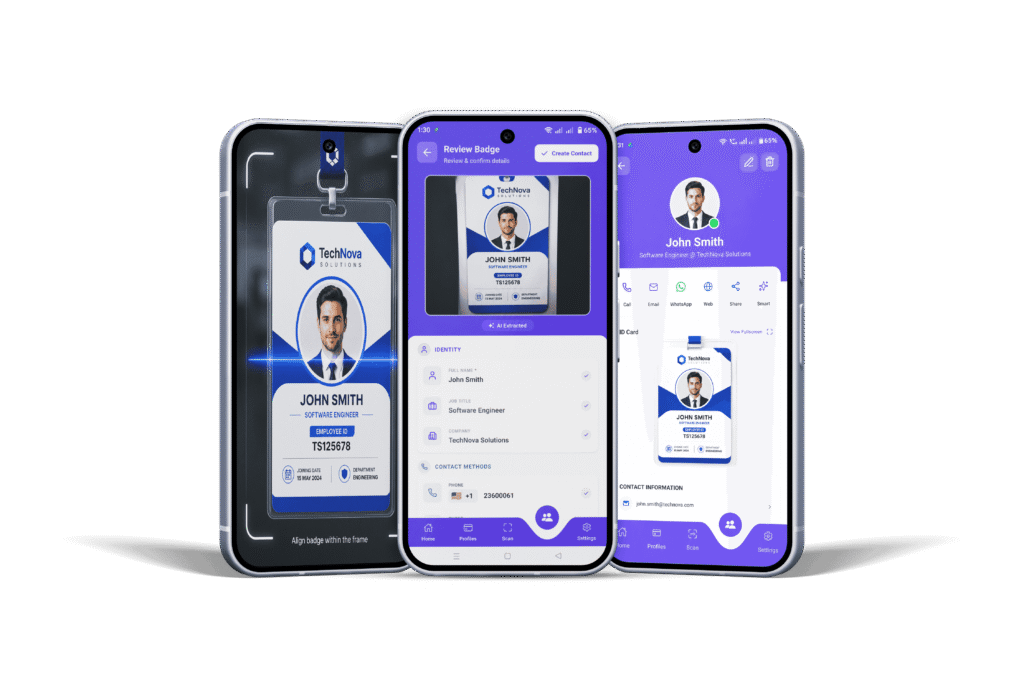
Badge Scan
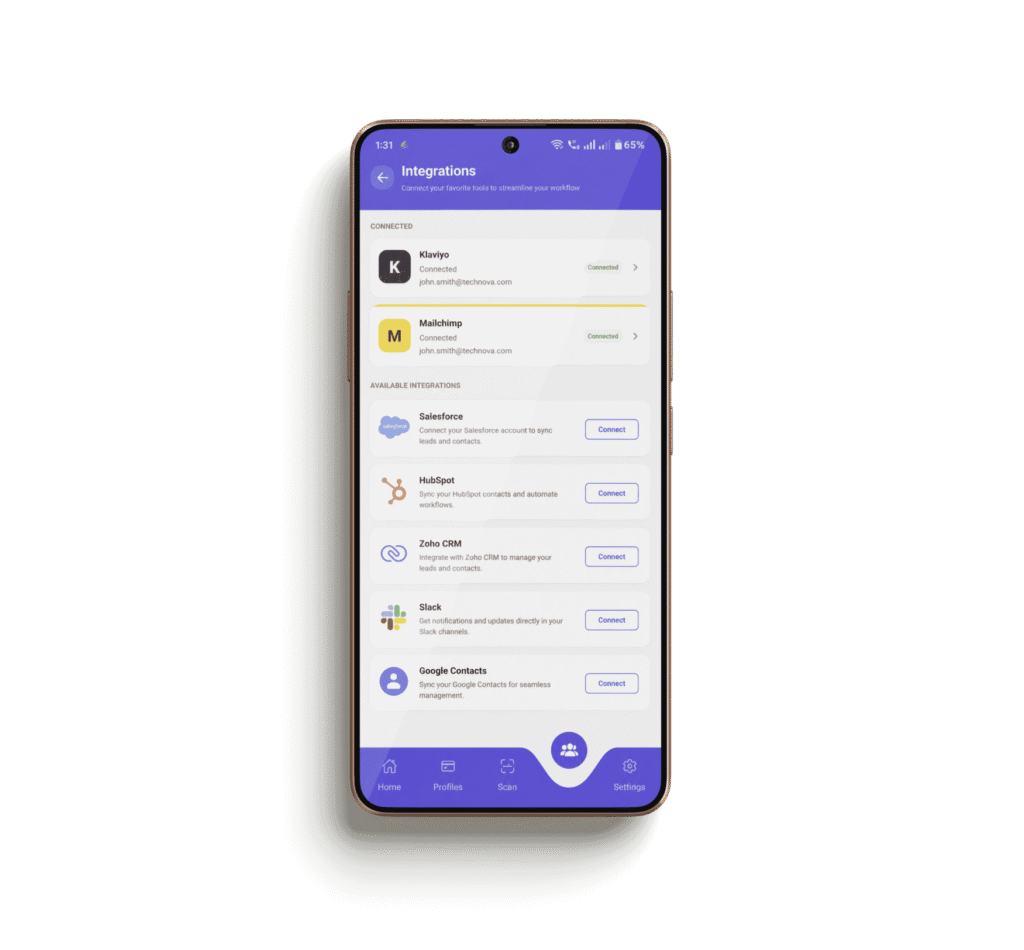
CRM Integration
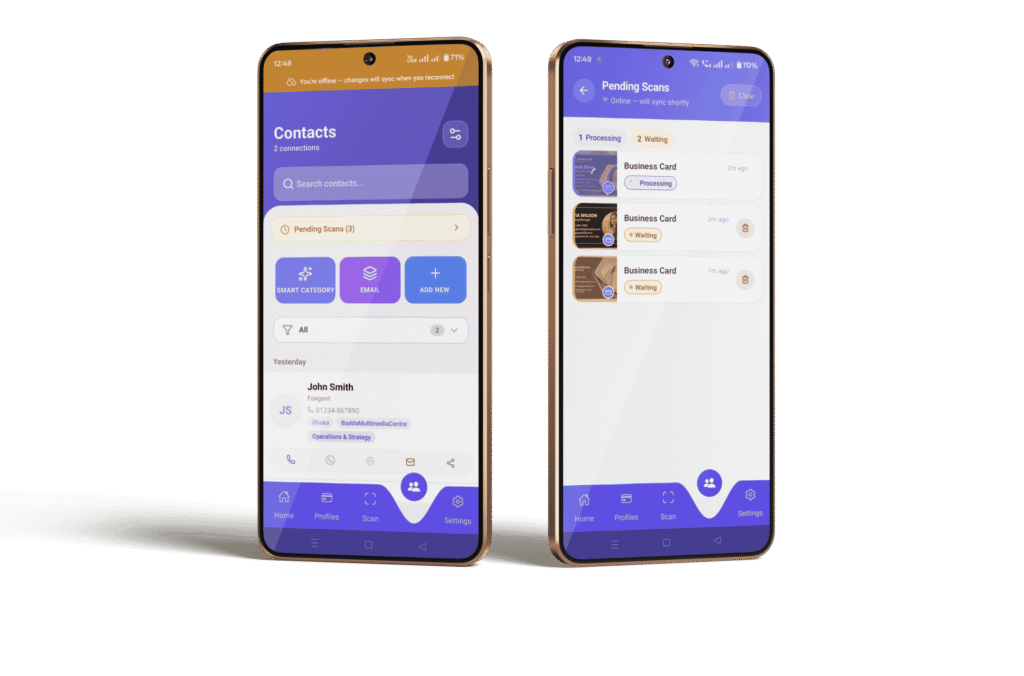
Offline Mode
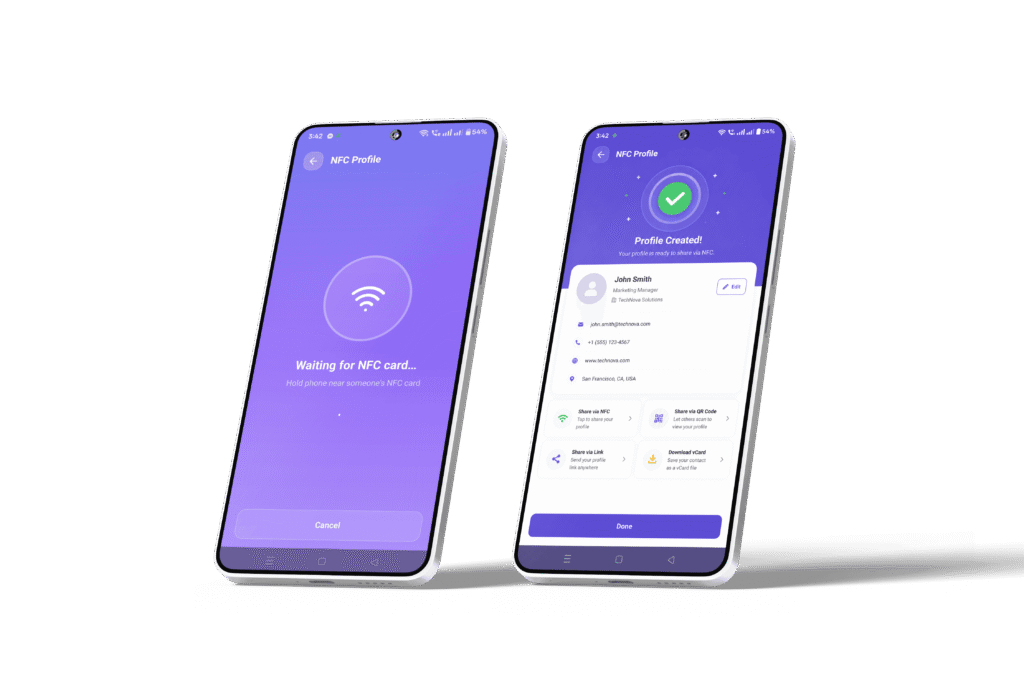
NFC Scanner
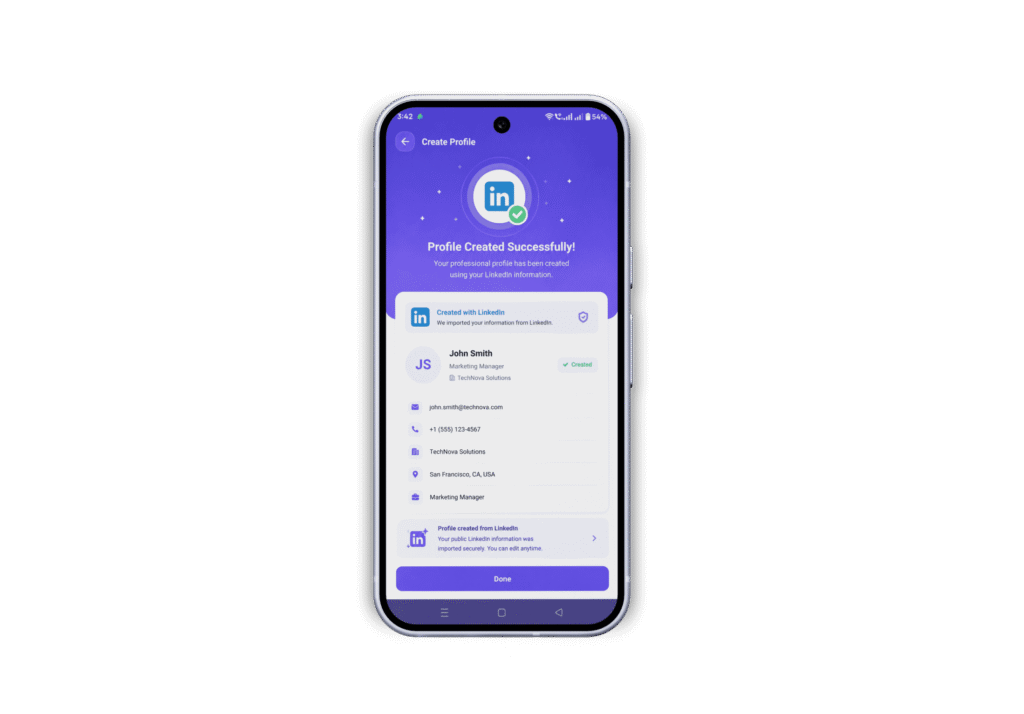
LinkedIn Import
Thousands of paper business cards end up in the dustbin every year

Meet Uinqo
One mobile-first platform that replaces business cards, scattered contact apps and expensive CRM tools for every professional and every team.
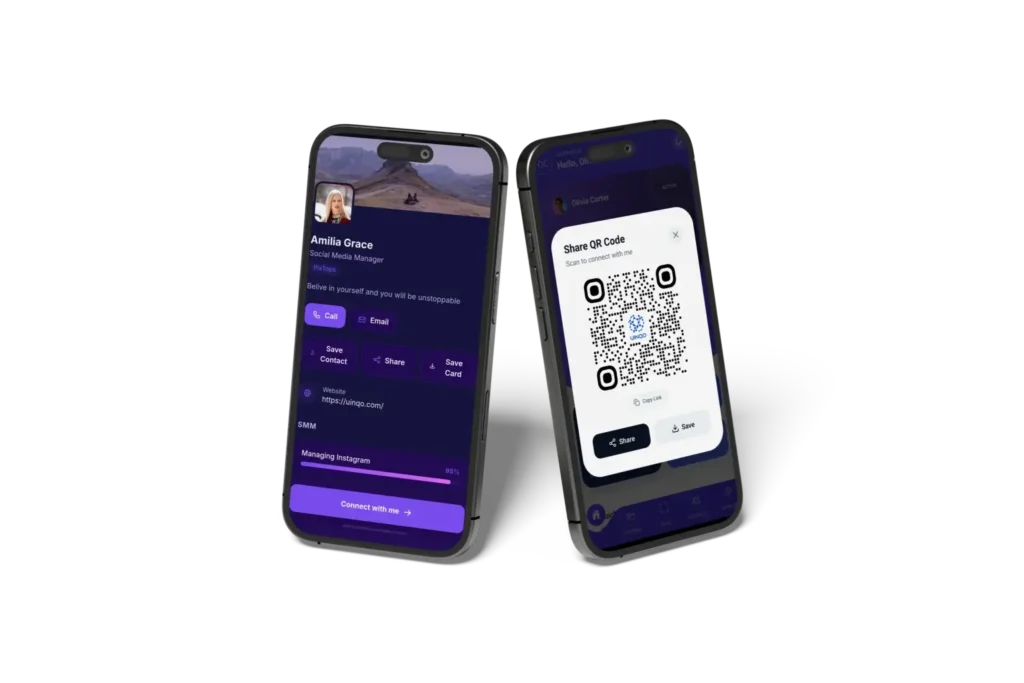
Instant Profile Sharing
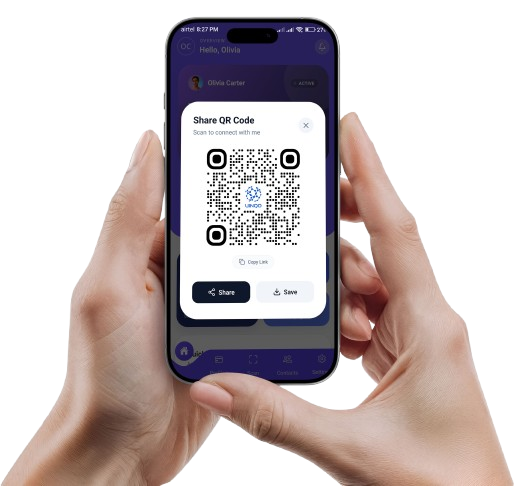
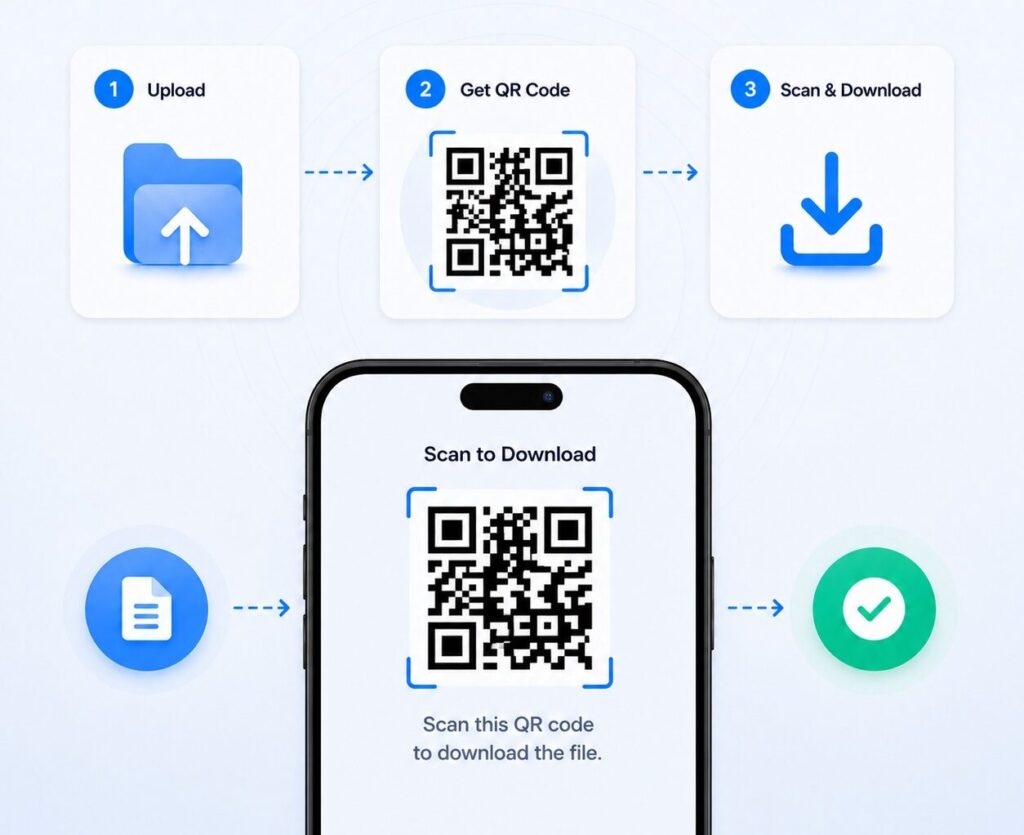
Share your full professional profile via QR code, link, or direct share. The other person needs no app. Update once everyone always sees your latest info.
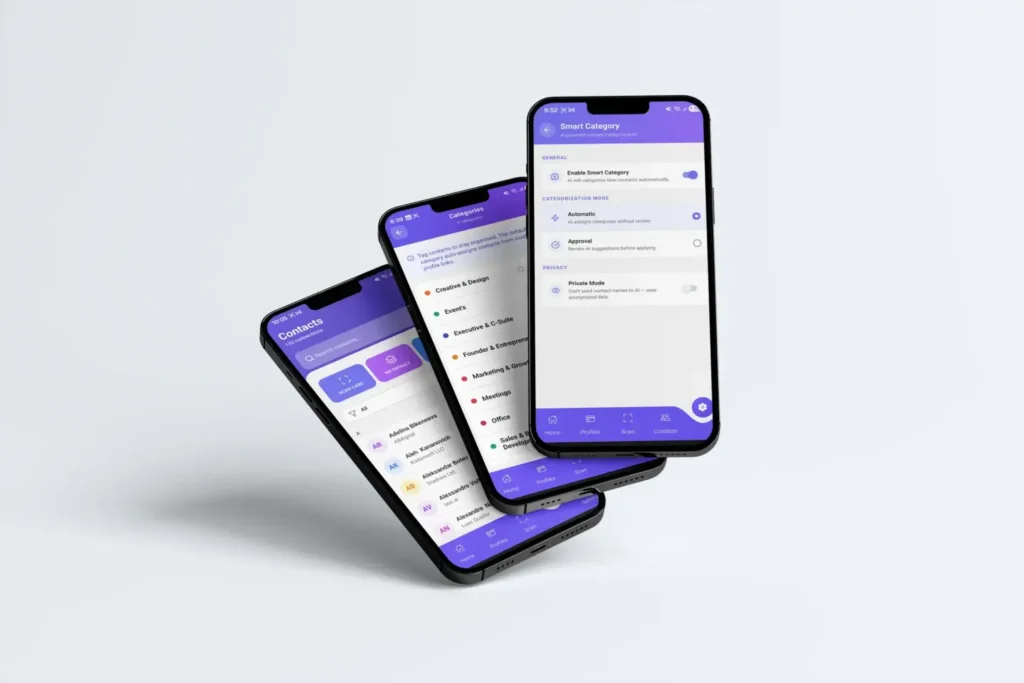
Network That Organises Itself
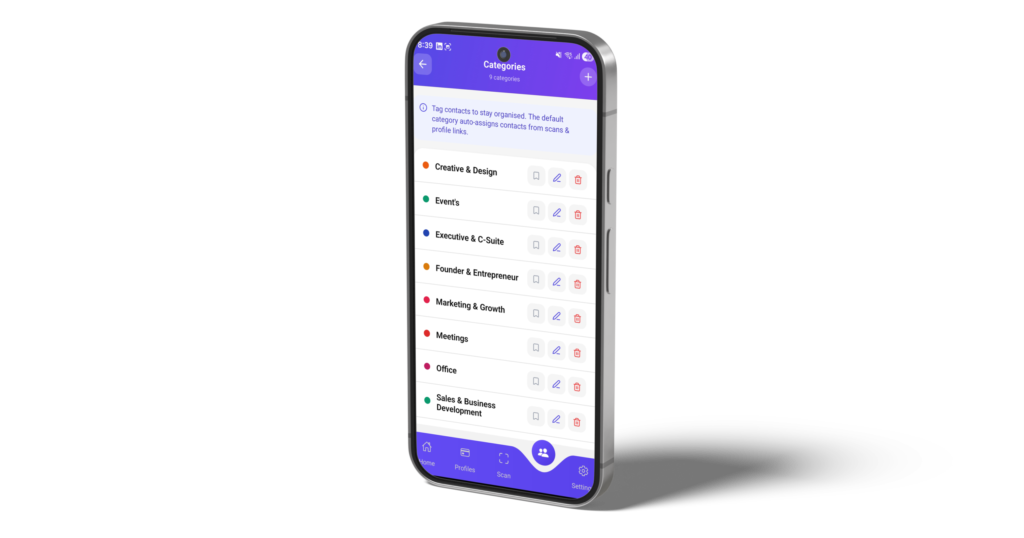
Every contact is automatically filed by where you met them event, venue, or city. Uses location intelligence to match or create the right category. Zero manual effort.
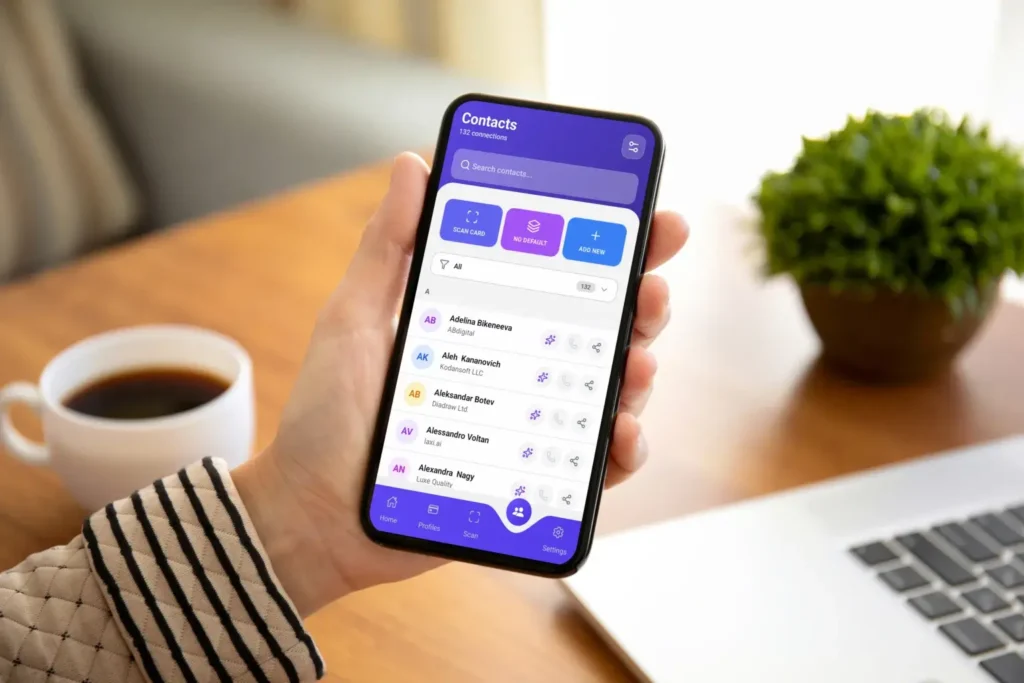
Lead Capture & Follow-Up
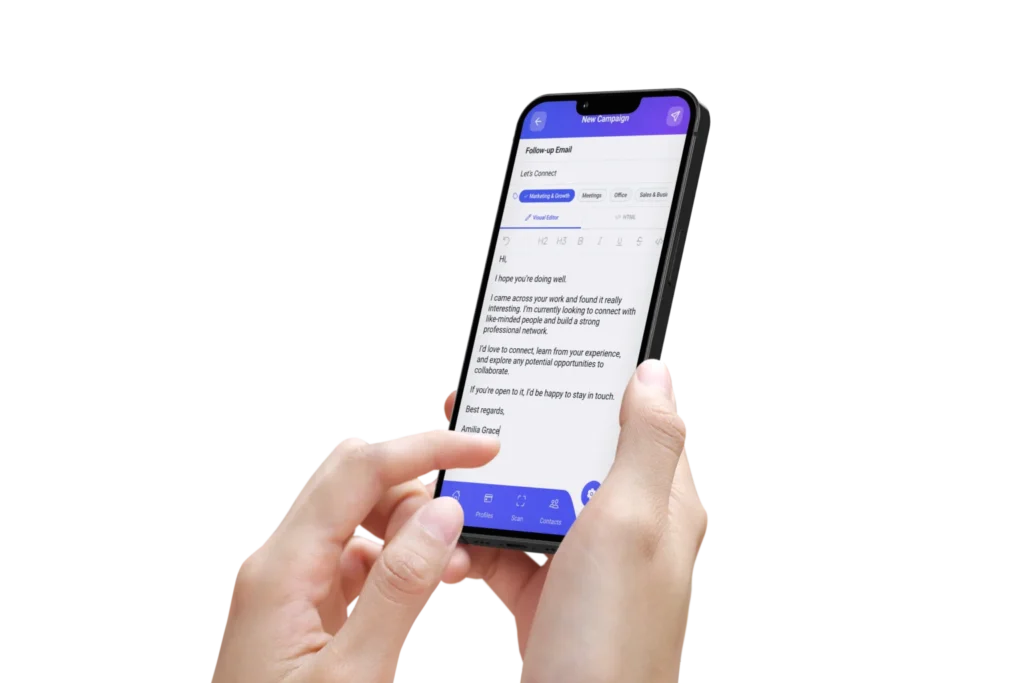
Every contact is auto-categorised by job title. Build segments all investors, all CMOs, all Web Summit leads then send targeted email campaigns in one click.
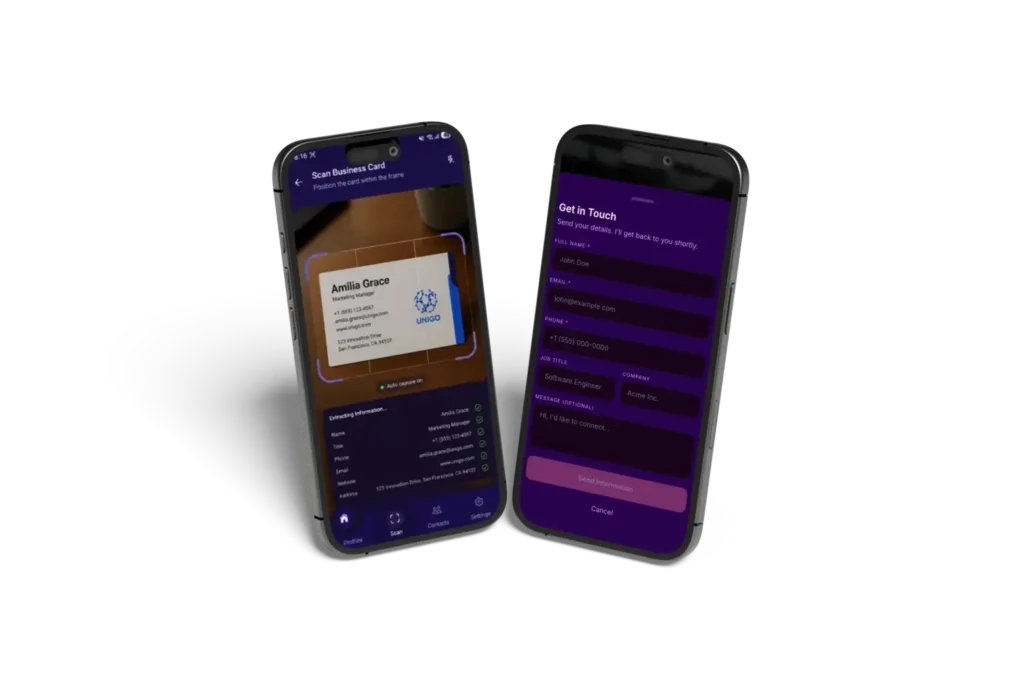
Every Handshake. A Trackable Lead.
When someone fills in your contact form or you scan their business card, Uinqo reads their job title and builds precise segments automatically. Then reach them with targeted email campaigns all from inside the app, with zero extra tools needed.
Built to Replace Business Cards, LinkedIn DMs and Scattered Spreadsheets
Empower your team with tools that simplify, align and accelerate productivity. All under one unified workspace.
Smart Category
Contacts organize themselves automatically based on where and how you met whether it’s events, venues, or cities so every connection is grouped with the right context without any manual effort.
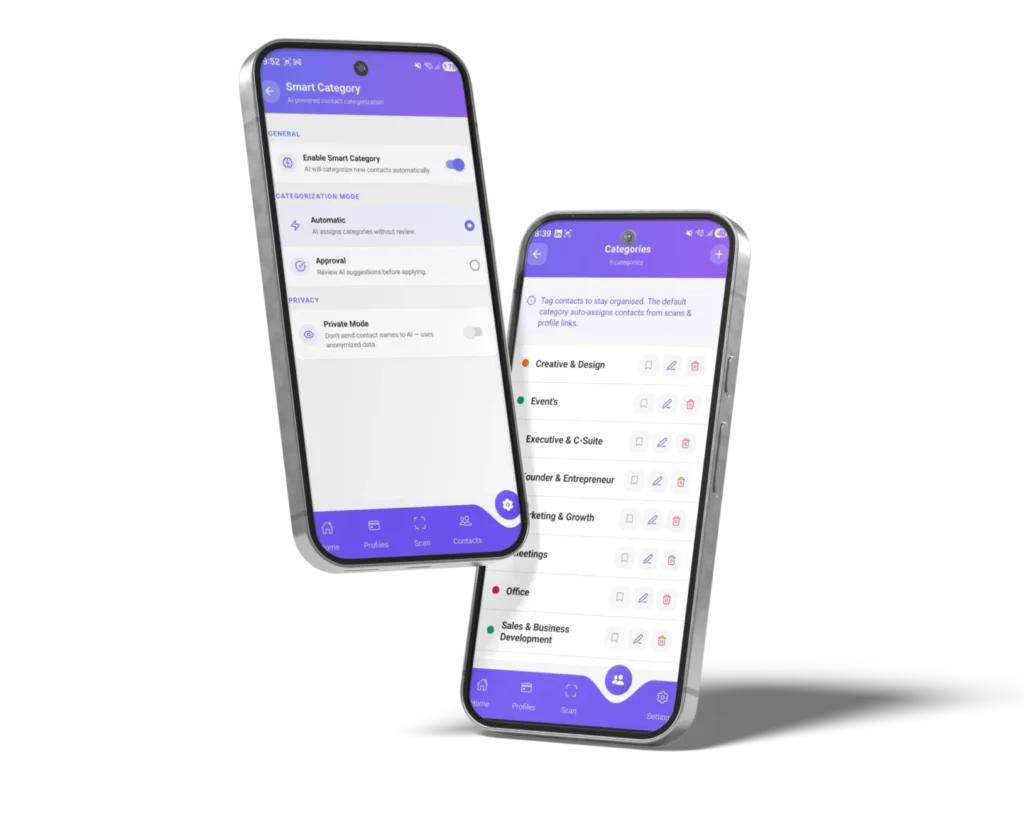
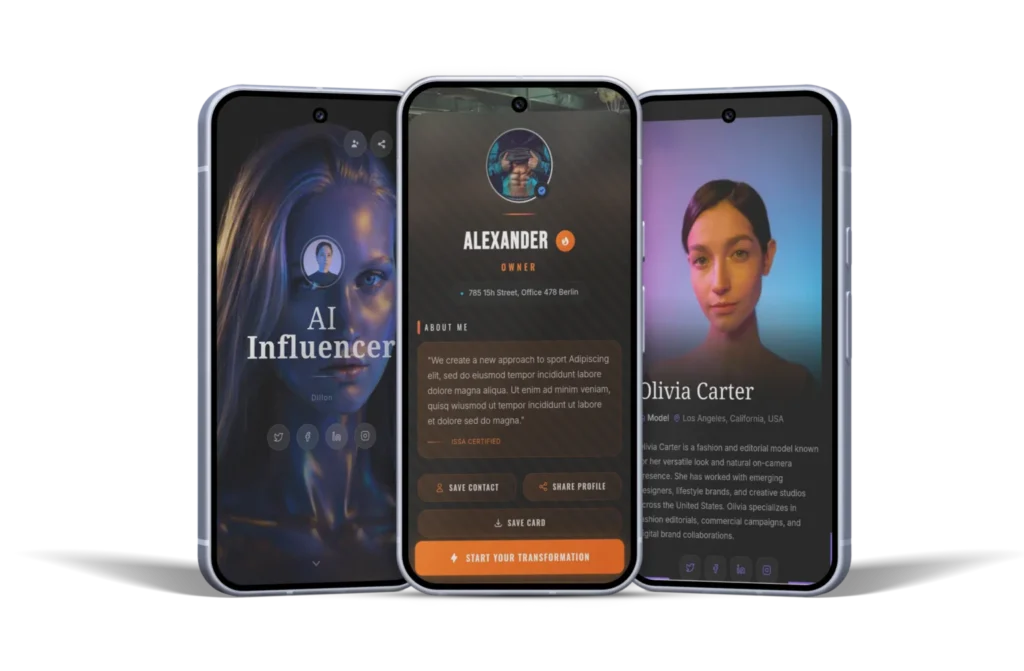
Switch Profiles in a Snap
Dynamic QR Code
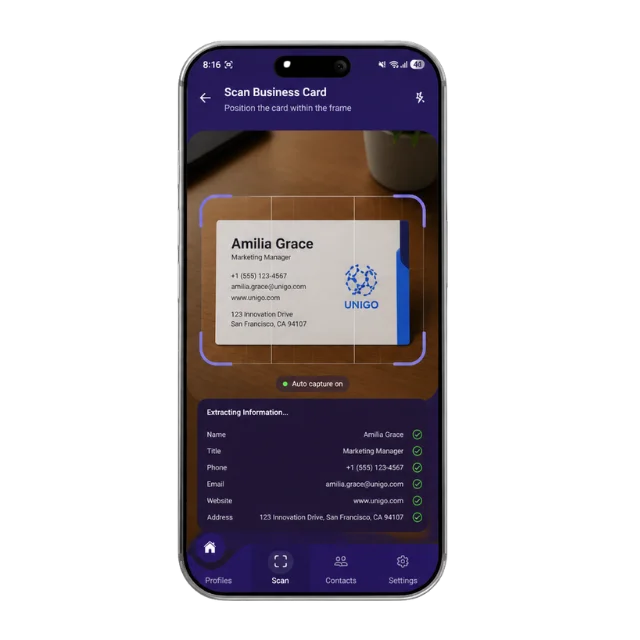
AI Business Card Scanner
AI Business Card Scanner lets you scan or upload a card, automatically extracting and organizing details into the right category, no manual entry needed.
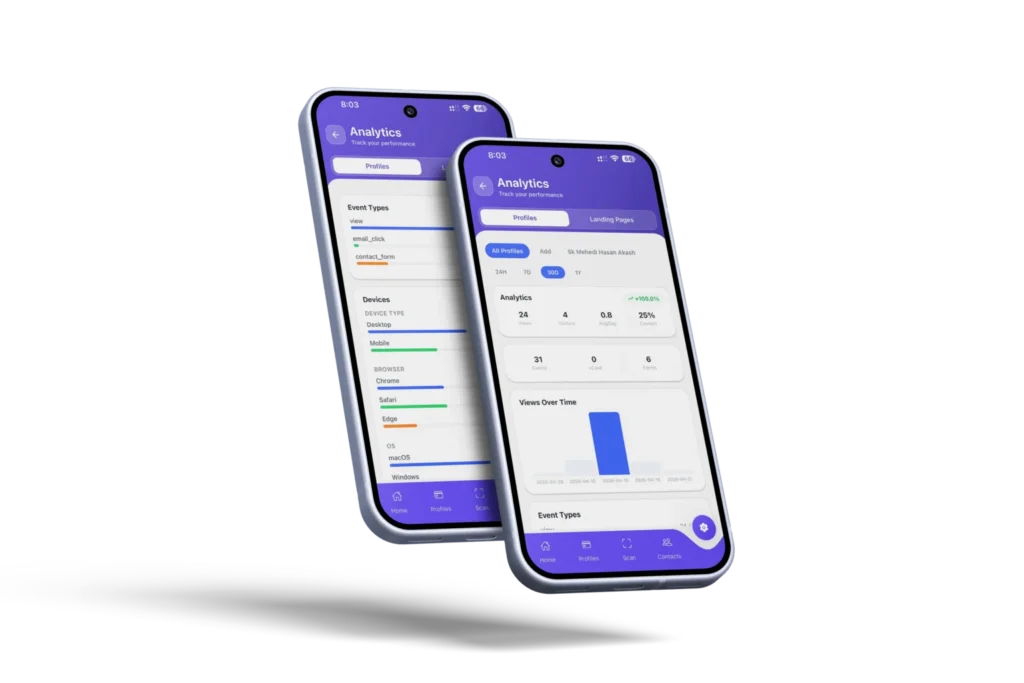
Analytics dashboard
Track how your digital card performs with simple, clear insights. Also, you can monitor scans, visitors and engagement to understand what works and improve your networking strategy.
- Follow-Up
- Lead Capture
- Email signature
- Email Analytics
- SMTP Setup
- QR Branding
Power Up Your Networking with Uinqo App
Take your networking to the next level with the Uinqo Mobile app connect instantly, manage contacts effortlessly, and never miss an opportunity to grow.
Power Up Your Networking with Uinqo App
Take your networking to the next level with the Uinqo Mobile app connect instantly, manage contacts effortlessly and never miss an opportunity to grow.


Three structural advantages no competitor can copy.
This isn’t another digital card app. UINQO is building an entirely new category.
Start your digital networking journey with a simple step
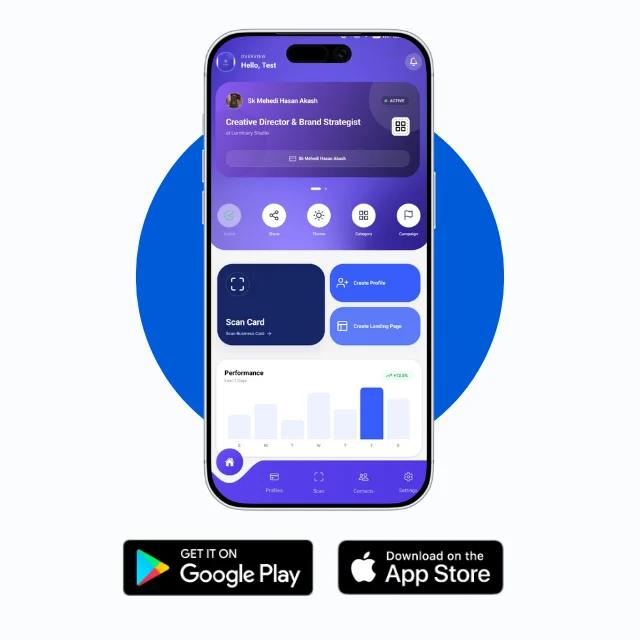
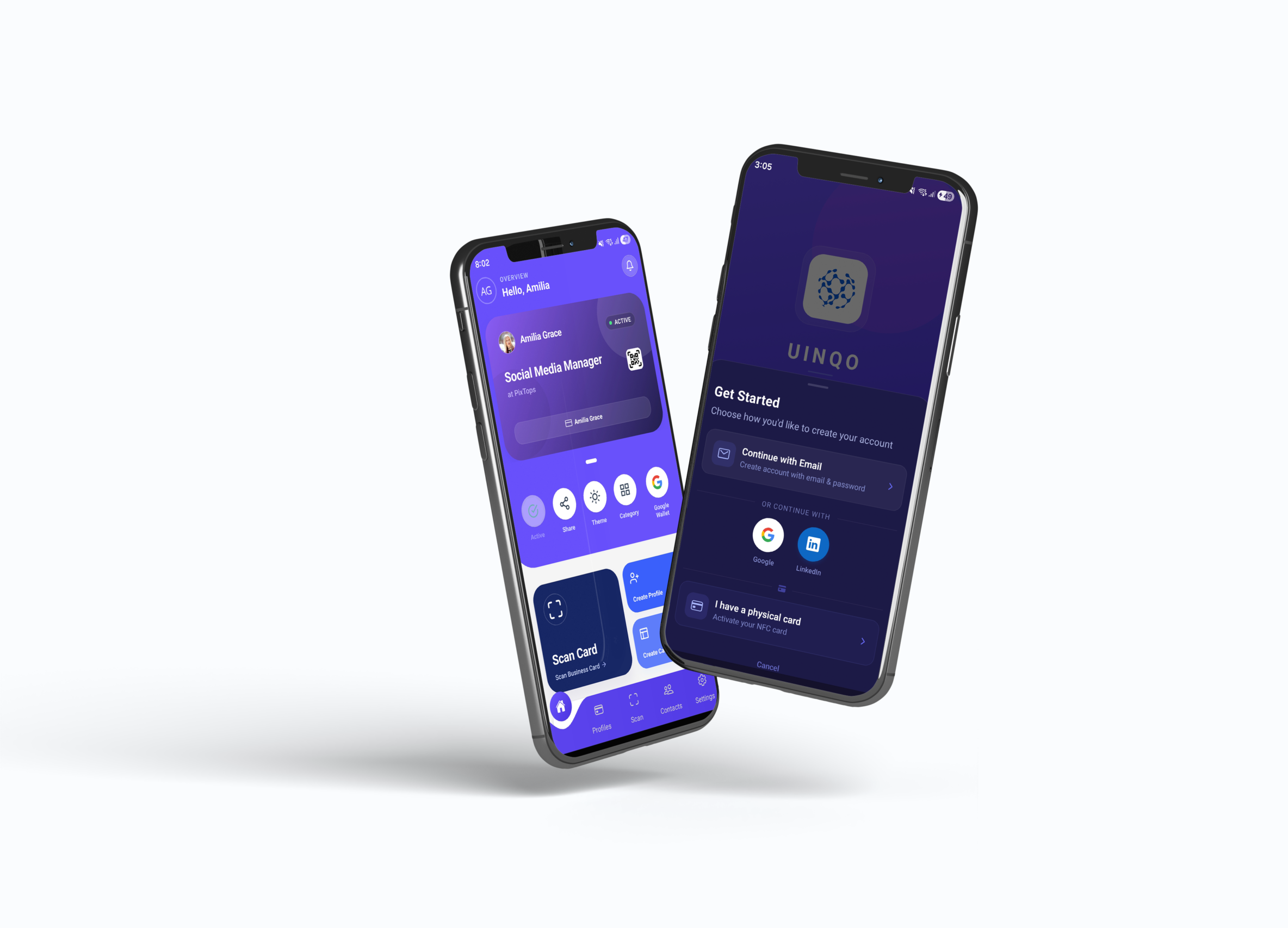
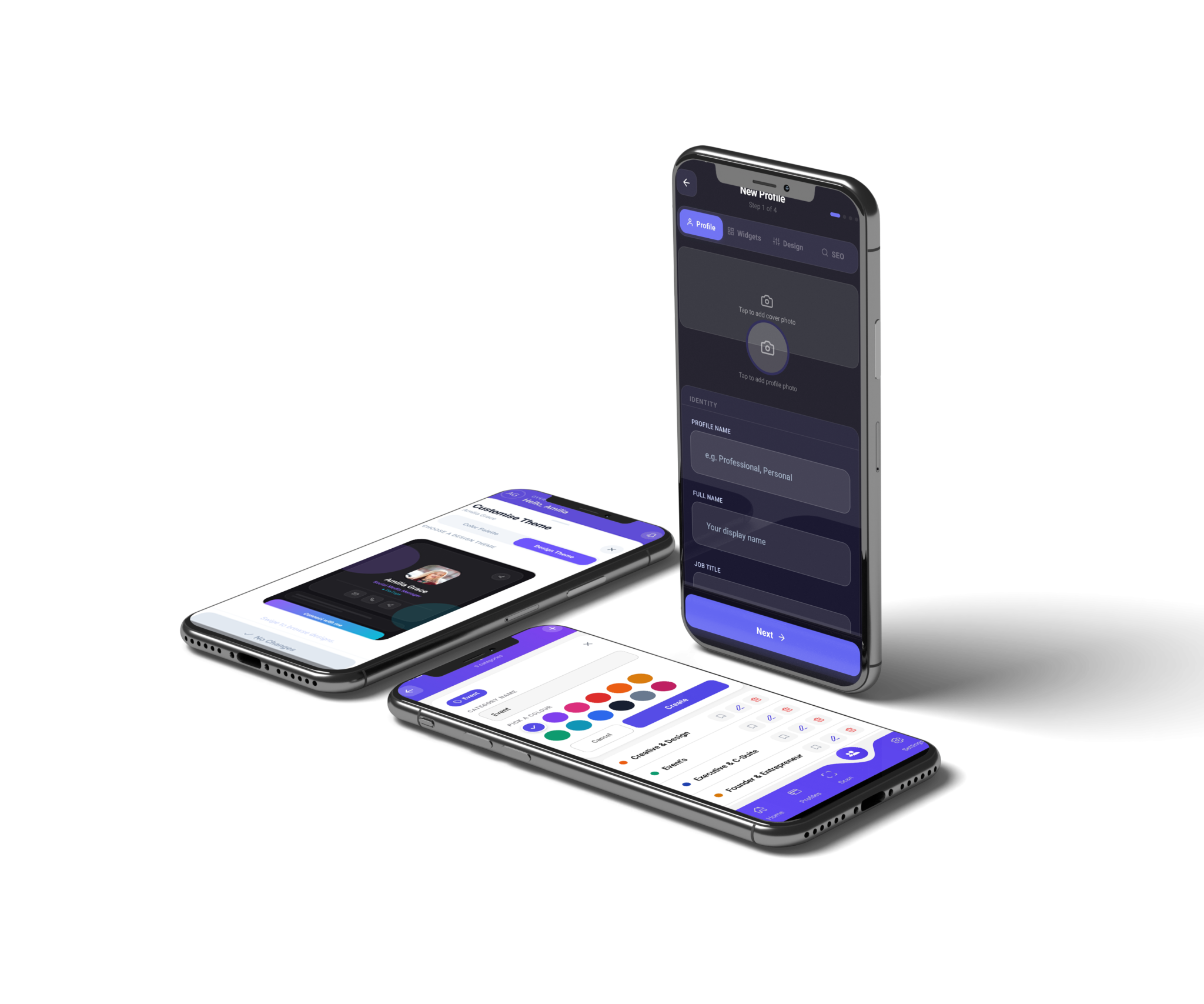
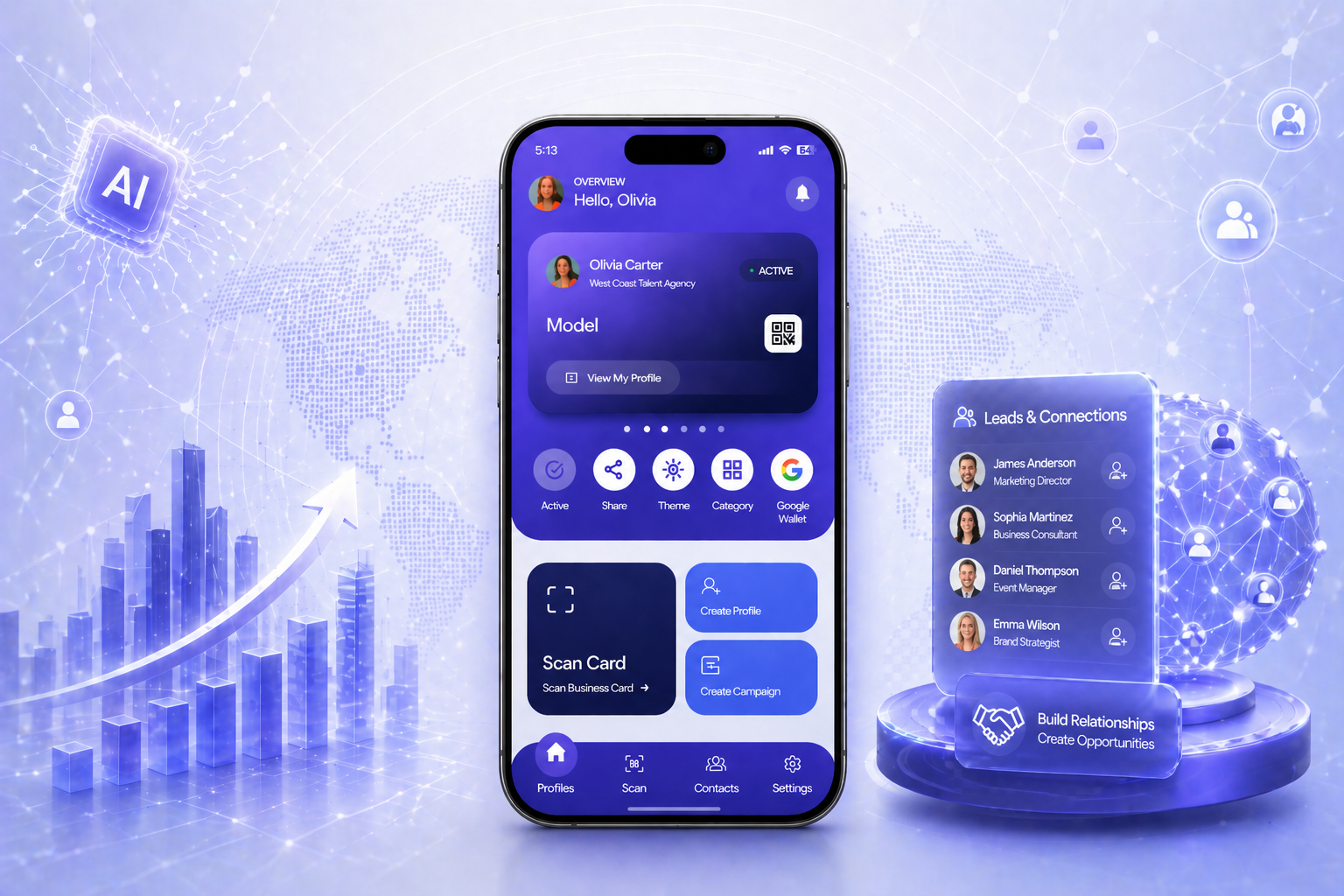
-
Step 1: Download UINQO App
- If you are an iOS user, simply open the App Store, search for “UINQO,” and download the app to get started. .
- If you are an Android user, go to the Google Play Store, search for “Uinqo,” and download the app by matching it with our official logo.
-
Step 2: Create UINQO Account.
Uinqo gives you four ways to create your account.
- The fastest option? Continue with Google. .
- Use LinkedIn Sign-In .
- Apple Sign-In Option.
- Microsoft Sign-In Option.
- Manually Create account option
-
Step 3: Create your UINQO Profile
Once your account setup is complete, you can easily create your UINQO profile.
You can add all your information to build a personalized profile that works like your professional portfolio. The platform allows full customization, giving you the flexibility to design your profile the way you prefer. You can choose from a variety of pre-designed templates and select your preferred color scheme from the available color palettes. -
Step 4: Increase your networking with UINQO
Boost your networking potential with UINQO by connecting with the right people at the right time. Effortlessly share your profile, capture leads, and keep all your contacts organized in one place, making every interaction more meaningful and productive.
With powerful tools designed to simplify networking, UINQO helps you build stronger relationships and turn connections into real opportunities. Whether you’re at events, meetings, or online, you’ll always be ready to grow your network and expand your reach.
Seamless Access & Powerful Integrations
Experience the efficiency of a truly connected ecosystem. Uinqo integrates effortlessly with leading platforms, empowering you to streamline workflows, boost productivity, and stay connected with ease.productivity
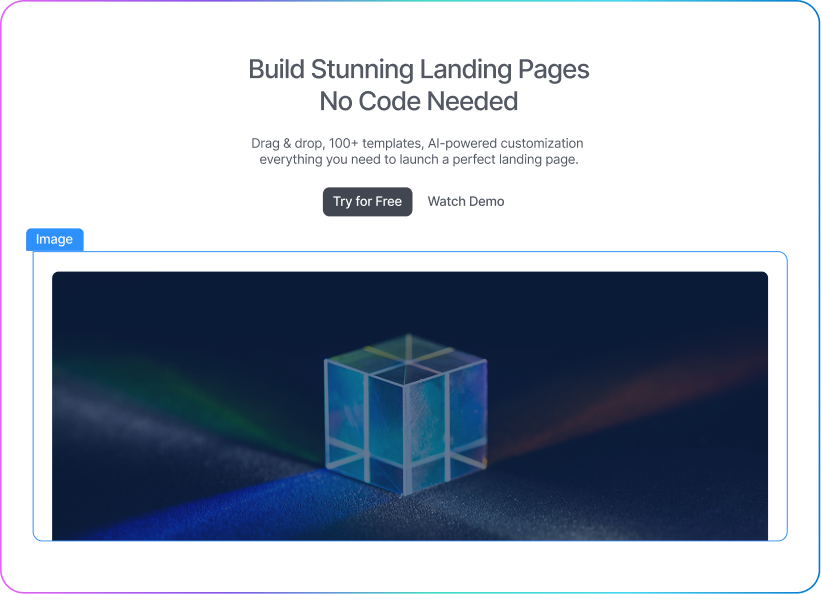

Personalized Landing Page
Create a custom landing page to showcase your professional identity, links and portfolio all in one place.
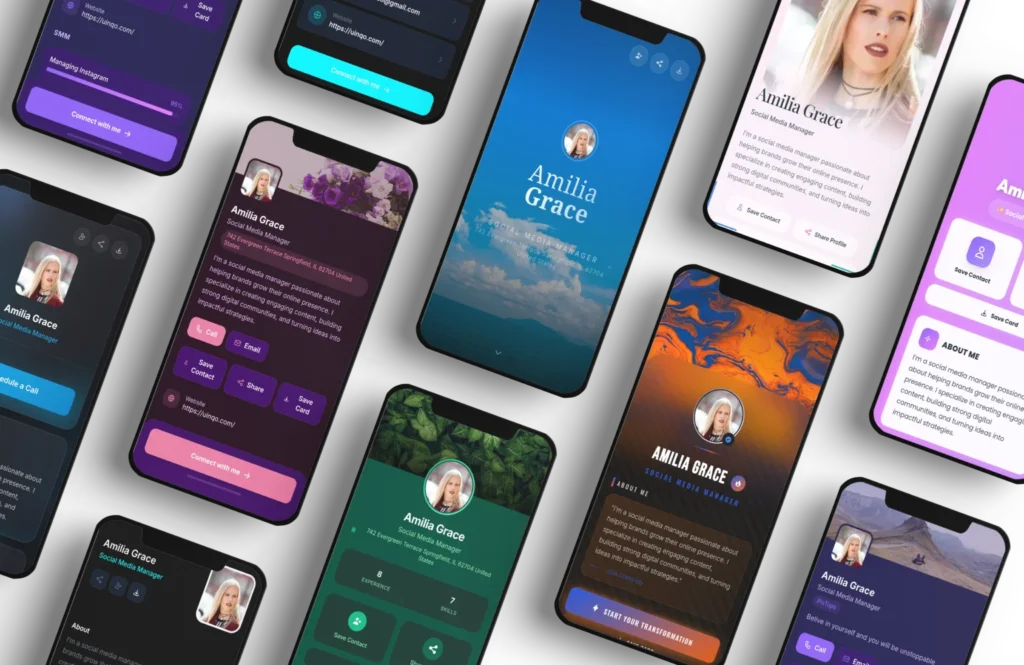
Multiple Profile Theme Choices
Quick Share





Physical Card
Order a premium physical card for yourself or your team. With UINQO’s smart card, you can instantly share your profile while making your network look more professional and high-end.
-
Business Card Scan & MeetMap1
-
Lead Capture and Organizes2
-
Follow-Up Email Campaign3
From a Simple Handshake to Meaningful Connections
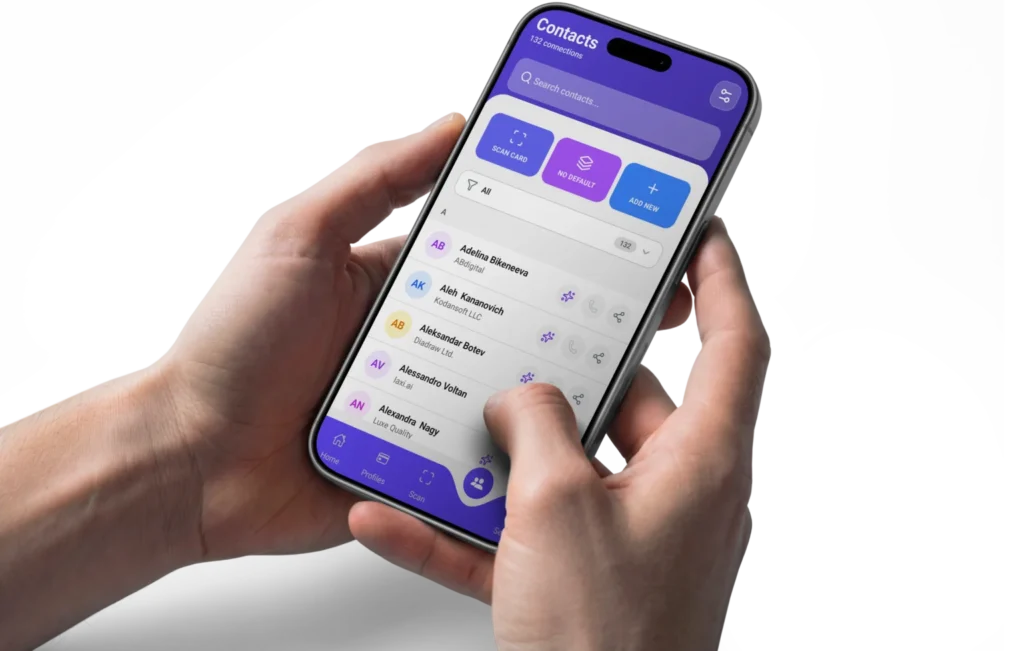
Turn every interaction into a valuable connection. When you scans a business card or someone submits a contact form on your profile, it automatically creates a saved contact, making it easy for you to follow up later with targeted emails.
Speak. Connect. Smart Voice Tools
Start Free. Scale When Ready.
- 2 Customizable Profile
- 30 Card/Badge Scans
- Smart Contact Category
- Contact Notes
- Ai Contact Enhancing 10/month
- 5 Email campaigns
- Max Recipients Per Campaign 20
- Analytics
- 5 Listing
- Wallet Pass
- Quick Share
- Qr Code Scanner with History
- Linkedin Profile Import
- Offline Mode
Perfect for freelancers, early-stage startups and Business owner
Choose Plans- 10 Customizable profiles
- 200 Card/Badge Scans
- Custom Domain
- Smart Contact Category
- Import Contacts/CSV
- Contact Notes
- Ai Voice Note Taker
- Smart Follow-up
- CRM Integration
- Calendar Integration
- Capture NFC Card to Contact
- Ai Contact Enhancing 30/month
- Custom SMTP Setup
- 100 Email Campaign
- Max Recipients Per Campaign 100
- Email Campaign Analytics
- Email Signature
- Email Template Builder
- QR Code Branded Logo
- 5 Landing Pages
- Analytics
- Unlimited Listing
- Wallet Pass
- Quick Share
- Customize URL
- Qr Code Scanner with History
- Linkedin Profile Import
- Offline Mode
- 5 Customizable profiles
- 50 Card/Badge Scans
- Smart Contact Category
- Import Contacts/CSV
- Contact Notes
- Ai Voice Note Taker
- Smart Follow-up
- Capture NFC Card to Contact
- Ai Contact Enhancing 30/month
- Custom SMTP Setup
- 25 Email Campaign
- Max Recipients Per Campaign 50
- Email Campaign Analytics
- Email Signature
- Email Template Builder
- 2 Landing Page
- Analytics
- 10 Listing
- Wallet Pass
- Quick Share
- Customize URL
- Qr Code Scanner with History
- Linkedin Profile Import
- Offline Mode
- 2 Customizable Profile
- 30 Card/Badge Scans
- Smart Contact Category
- Contact Notes
- Ai Contact Enhancing 10/month
- 5 Email campaigns
- Max Recipients Per Campaign 20
- Analytics
- 5 Listing
- Wallet Pass
- Quick Share
- Qr Code Scanner with History
- Linkedin Profile Import
- Offline Mode
Perfect for freelancers, early-stage startups and Business owner
Choose Plans- 10 Customizable profiles
- 200 Card/Badge Scans
- Custom Domain
- Smart Contact Category
- Import Contacts/CSV
- Contact Notes
- Ai Voice Note Taker
- Smart Follow-up
- CRM Integration
- Calendar Integration
- Capture NFC Card to Contact
- Ai Contact Enhancing 30/month
- Custom SMTP Setup
- 100 Email Campaign
- Max Recipients Per Campaign 100
- Email Campaign Analytics
- Email Signature
- Email Template Builder
- QR Code Branded Logo
- 5 Landing Pages
- Analytics
- Unlimited Listing
- Wallet Pass
- Quick Share
- Customize URL
- Qr Code Scanner with History
- Linkedin Profile Import
- Offline Mode
- 5 Customizable profiles
- 50 Card/Badge Scans
- Smart Contact Category
- Import Contacts/CSV
- Contact Notes
- Ai Voice Note Taker
- Smart Follow-up
- Capture NFC Card to Contact
- Ai Contact Enhancing 30/month
- Custom SMTP Setup
- 25 Email Campaign
- Max Recipients Per Campaign 50
- Email Campaign Analytics
- Email Signature
- Email Template Builder
- 2 Landing Page
- Analytics
- 10 Listing
- Wallet Pass
- Quick Share
- Customize URL
- Qr Code Scanner with History
- Linkedin Profile Import
- Offline Mode
- 2 Customizable Profile
- 30 Card/Badge Scans per month
- Smart Contact Category
- Contact Notes
- Ai Contact Enhancing 10/month
- 5 Email campaigns per month
- Max Recipients Per Campaign 20
- Analytics
- 5 Listing
- Wallet Pass
- Quick Share
- Qr Code Scanner with History
- Linkedin Profile Import
- Offline Mode
Perfect for freelancers, early-stage startups and Business owner
Choose Plans- 10 Customizable profiles
- 200 Card/Badge Scans per month
- Custom Domain
- Smart Contact Category
- Import Contacts/CSV
- Contact Notes
- Ai Voice Note Taker
- Smart Follow-up
- CRM Integration
- Calendar Integration
- Capture NFC Card to Contact
- Ai Contact Enhancing 30/month
- Custom SMTP Setup
- 100 Email Campaign per month
- Max Recipients Per Campaign 100
- Email Campaign Analytics
- Email Signature
- Email Template Builder
- QR Code Branded Logo
- 5 Landing Pages
- Analytics
- Unlimited Listing
- Wallet Pass
- Quick Share
- Customize URL
- Qr Code Scanner with History
- Linkedin Profile Import
- Offline Mode
- 5 Customizable profiles
- 50 Card/Badge Scans per month
- Smart Contact Category
- Import Contacts/CSV
- Contact Notes
- Ai Voice Note Taker
- Smart Follow-up
- Capture NFC Card to Contact
- Ai Contact Enhancing 30/month
- Custom SMTP Setup
- 25 Email Campaign per month
- Max Recipients Per Campaign 50
- Email Campaign Analytics
- Email Signature
- Email Template Builder
- 2 Landing Page
- Analytics
- 10 Listing
- Wallet Pass
- Quick Share
- Customize URL
- Qr Code Scanner with History
- Linkedin Profile Import
- Offline Mode
- 2 Customizable Profile
- 30 Card/Badge Scans per month
- Smart Contact Category
- Contact Notes
- Ai Contact Enhancing 10/month
- 5 Email campaigns per month
- Max Recipients Per Campaign 20
- Analytics
- 5 Listing
- Wallet Pass
- Quick Share
- Qr Code Scanner with History
- Linkedin Profile Import
- Offline Mode
Perfect for freelancers, early-stage startups and Business owner
Choose Plans- 10 Customizable profiles
- 200 Card/Badge Scans per month
- Custom Domain
- Smart Contact Category
- Import Contacts/CSV
- Contact Notes
- Ai Voice Note Taker
- Smart Follow-up
- CRM Integration
- Calendar Integration
- Capture NFC Card to Contact
- Ai Contact Enhancing 30/month
- Custom SMTP Setup
- 100 Email Campaign per month
- Max Recipients Per Campaign 100
- Email Campaign Analytics
- Email Signature
- Email Template Builder
- QR Code Branded Logo
- 5 Landing Pages
- Analytics
- Unlimited Listing
- Wallet Pass
- Quick Share
- Customize URL
- Qr Code Scanner with History
- Linkedin Profile Import
- Offline Mode
- 5 Customizable profiles
- 50 Card/Badge Scans per month
- Smart Contact Category
- Import Contacts/CSV
- Contact Notes
- Ai Voice Note Taker
- Smart Follow-up
- Capture NFC Card to Contact
- Ai Contact Enhancing 30/month
- Custom SMTP Setup
- 25 Email Campaign per month
- Max Recipients Per Campaign 50
- Email Campaign Analytics
- Email Signature
- Email Template Builder
- 2 Landing Page
- Analytics
- 10 Listing
- Wallet Pass
- Quick Share
- Customize URL
- Qr Code Scanner with History
- Linkedin Profile Import
- Offline Mode


Got Questions?
We’ve Got Answers.
Got questions? We’ve got answers. Explore our FAQs to quickly find clear and helpful information about our services, features and how everything works.
1. What is Uinqo?
2. How does Uinqo work?
3. Is Uinqo compatible with all smartphones?
4. What makes Uinqo better than a traditional business card?
5. Is my data secure on Uinqo?

Step into the future of networking.
Download UINQO today.