Networking at conferences has long been a vital part of professional growth. Historically, this involved handing out paper business cards, scribbling notes on the back, and trying to remember dozens of names in crowded conference halls. While this traditional method has served professionals for decades, the digital era has ushered in a smarter, faster, and more effective way to make meaningful connections: using QR code business cards. These modern tools not only simplify the process of sharing contact information but also allow professionals to create intentional engagement, track interactions, and nurture long-term relationships.
Unlike traditional business cards that quickly become outdated or lost, a QR code-enabled approach transforms networking into an interactive, dynamic experience. With QR codes, professionals no longer need to rely solely on memory or manually record contact details. Instead, every scan becomes an opportunity to engage, share relevant information, and create a lasting impression.
How QR Code Business Cards Work
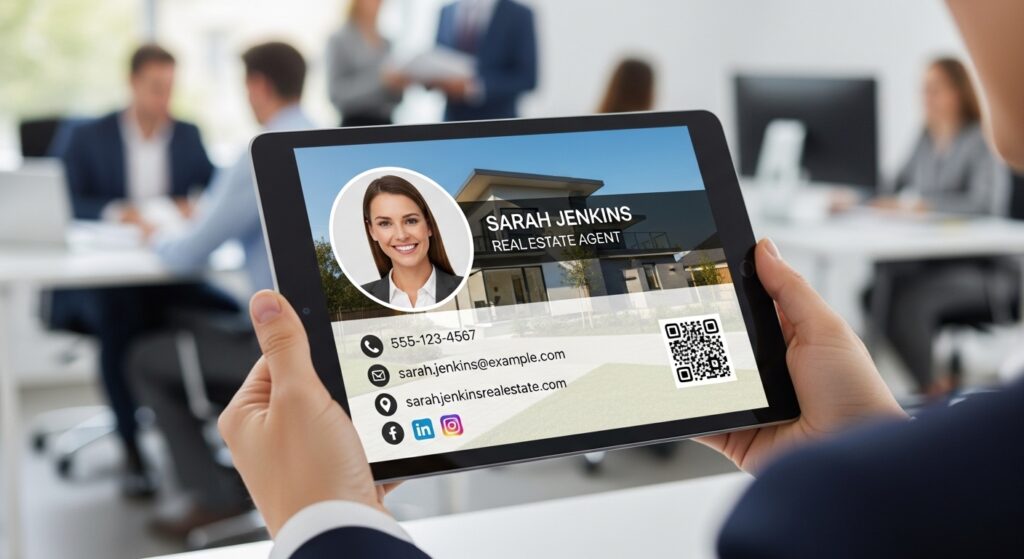
A QR code business card works by linking a scannable code to a digital profile or landing page. This digital profile can include essential details such as your name, job title, company affiliation, social media accounts, portfolio links, and other key information. Unlike traditional paper cards, which remain static once printed, a digital profile is fully updatable. This means that anyone who scans your QR code will always see your most current information, ensuring that your contacts receive accurate and relevant data.
UINQO allow professionals to craft personalized landing pages that reflect their identity comprehensively. Multiple profile options let you tailor each page for different audiences, whether connecting with potential clients, investors, or collaborators. This personalization ensures that each scan creates an intentional and professional engagement.
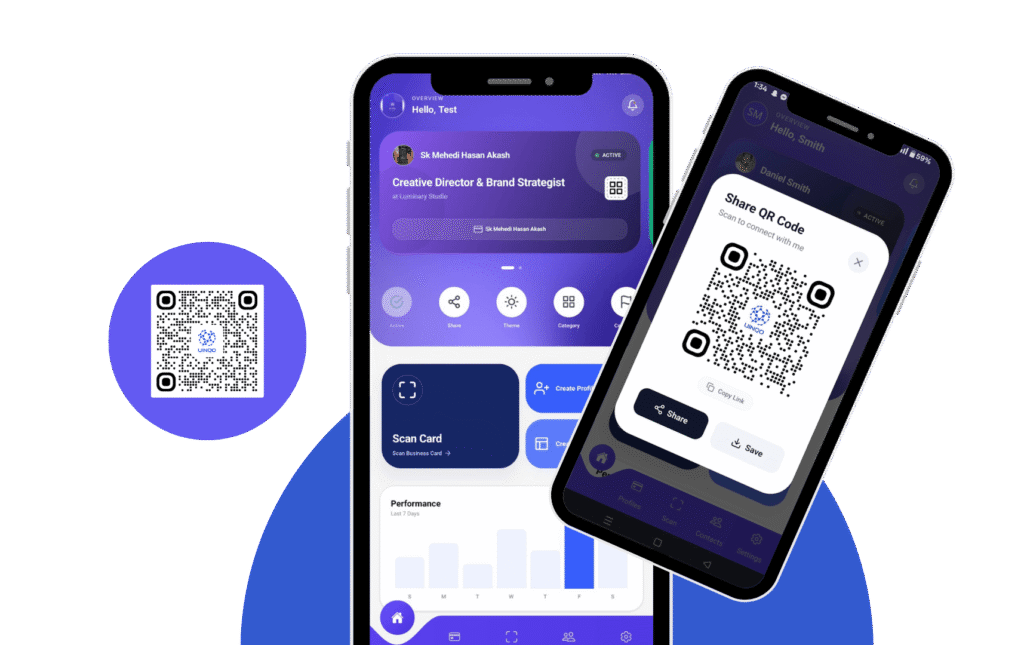
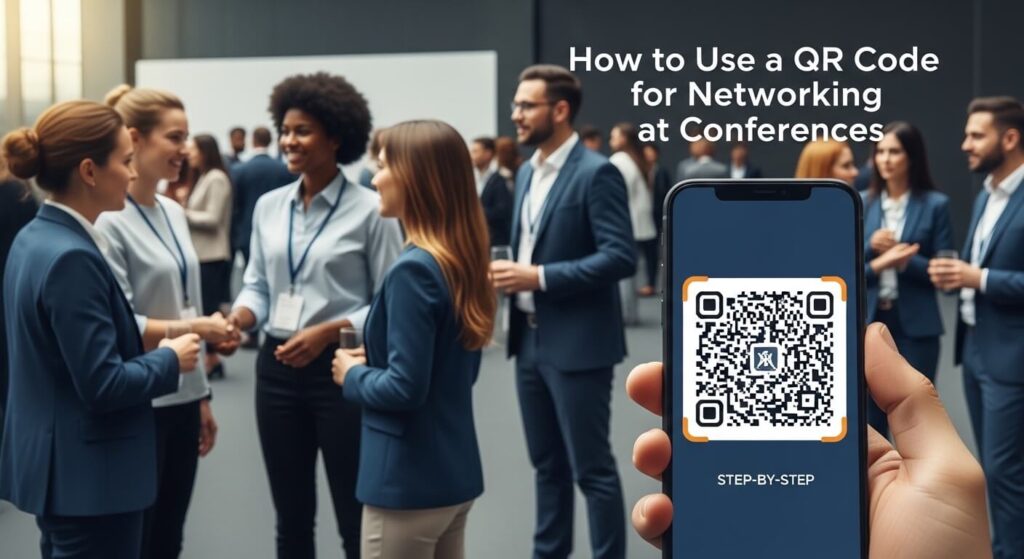
Step-by-Step: Using a QR Code Business Card for Networking
1. Prepare Your Digital Profile
Before attending a conference, make sure your digital profile is complete and professional. UINQO makes it easy to build a profile that highlights your name, title, company, social media links, portfolio, and any other essential details. Keeping your profile updated ensures that anyone scanning your QR code gets the most relevant and accurate information.
2. Generate Your Dynamic QR Code
Dynamic QR code allow you to update the landing page without changing the QR code itself, providing flexibility during conferences. UINQO enables fully customizable designs that reflect your brand, including logos, colors, and patterns. A visually appealing QR code encourages more scans and conveys professionalism.
3. Integrate the QR Code into Your Networking Tools
A QR code works best when integrated into both physical and digital networking tools. Options include smart NFC business cards, metal or bamboo cards, or creative Dimension Cards. Physical cards act as conversation starters, making it easy for attendees to scan your code instantly, while digital placement allows for sharing via email, social media, or virtual meeting tools.
4. Use Your QR Code Strategically During the Event
Simply having a QR code isn’t enough you need a strategy. Share it during conversations, workshops, and panels, and mention that scanning the code gives instant access to your professional information. Place QR code in high-visibility areas if you are speaking, sponsoring a booth, or presenting. Dynamic QR code make it easy for attendees to access your materials without crowding your space.
5. Track Engagement and Prioritize Follow-Ups
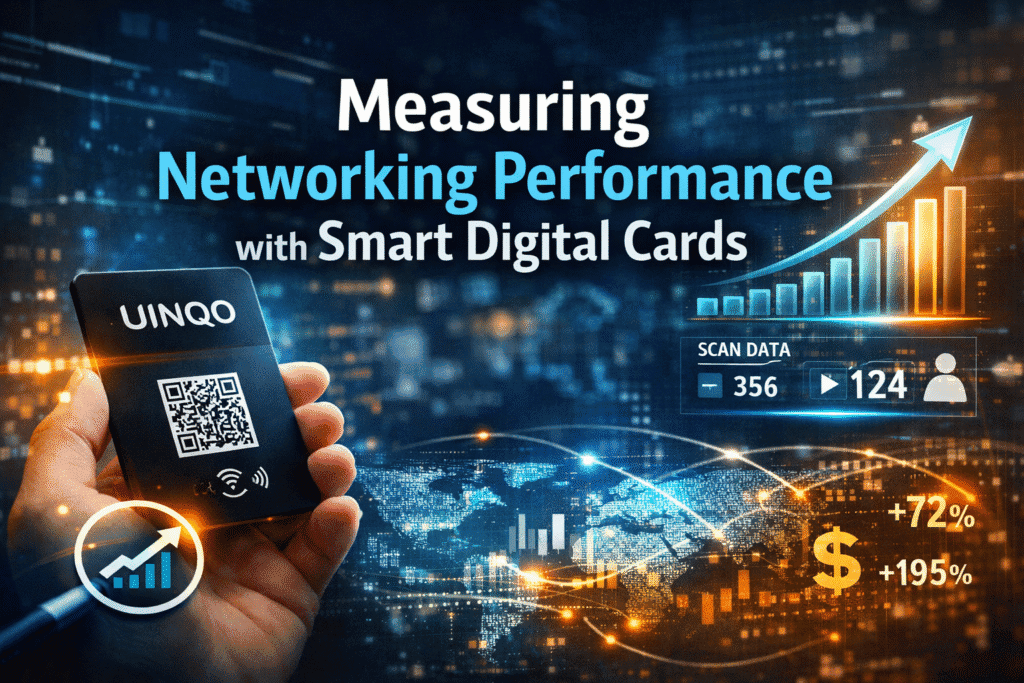
One of the biggest advantages of digital QR code is measurable engagement. Unlike paper cards, which offer no insight into interactions, QR code let you see who scanned your code, when, and what content they engaged with. After the event, this data helps prioritize follow-ups, categorize leads, and understand what aspects of your profile attract the most attention. UINQO’s smart contact management system turns scans into actionable opportunities, ensuring that networking extends beyond the conference.
6. Maintain and Update Your Profile Continuously
Networking doesn’t end at the event. Dynamic QR code allow you to maintain an up-to-date profile that evolves as your career progresses. Adding new projects, updating contact information, or sharing insights ensures that anyone who scans your code has access to the latest information. This continuous engagement reinforces your professional brand and allows meaningful re-connections with previous contacts.
Best Practices for QR Code Business Cards
To maximize the effectiveness of QR code business cards, always ensure your code is clearly visible, easy to scan, and visually aligned with your brand. Personalize landing pages for your target audience, update profiles regularly, and integrate the code into both digital and physical networking channels. When sharing your code, provide context and explain the value of scanning it, this encourages engagement and builds trust.
Common Mistakes to Avoid
Many professionals make the mistake of creating a QR code without updating their profiles or personalizing content. Avoid cluttered landing pages, poor design choices, or static codes that cannot adapt. Failing to track engagement or neglecting follow-ups can also reduce the effectiveness of your networking efforts. By planning ahead and using QR code strategically, you can avoid these common pitfalls.
How UINQO Makes QR Networking Easier
UINQO goes beyond QR code by offering a complete networking ecosystem. It combines smart contact management, multiple landing pages, dynamic QR code, and creative physical cards. This approach allows professionals to organize contacts effectively, track engagement, and deliver personalized content. Multimedia options, testimonials, and case studies can be included to make profiles more engaging. Premium card options like metal and bamboo, along with Dimension Cards, ensure that your QR code is not only functional but visually striking.
By integrating these tools, professionals can turn every scan into a meaningful interaction, every connection into a potential collaboration, and every conference into an opportunity for long-term professional growth. QR code business cards with UINQO provide a seamless, smart, and highly effective way to network in today’s digital era.
Conclusion: The Future of Conference Networking
Using QR code business cards at conferences transforms the traditional approach to networking. It streamlines the exchange of information, creates measurable engagement, and allows strategic follow-up. Preparing a professional profile, generating a dynamic QR code, integrating it into physical and digital tools, and tracking interactions ensures that every connection counts.
Networking today is no longer about who hands out the most cards, it’s about creating meaningful, lasting relationships. QR code business cards, combined with tools like UINQO, empower professionals to achieve this goal. Every scan becomes an opportunity, every engagement is measurable, and every connection has the potential to grow into a significant professional relationship.
By adopting QR code networking strategies, professionals can elevate their conference presence, enhance engagement, and maintain a dynamic and interactive professional network long after the event ends. This is the future of networking intentional, efficient, and built to last.