Email remains the foundational communication tool of the modern professional world. Whether you’re closing a deal, coordinating a project, networking with industry leaders, or simply connecting with a colleague, the vast majority of business communication still happens through email. In fact, studies show that the average professional checks their inbox more than five times a day and sends 11 to 25 emails daily, with salespeople sending even more.
Despite this massive volume, so many professionals treat their email signatures as a perfunctory afterthought, consisting only of a name, job title, and perhaps a phone number. In 2026, that minimalist approach no longer cuts it.
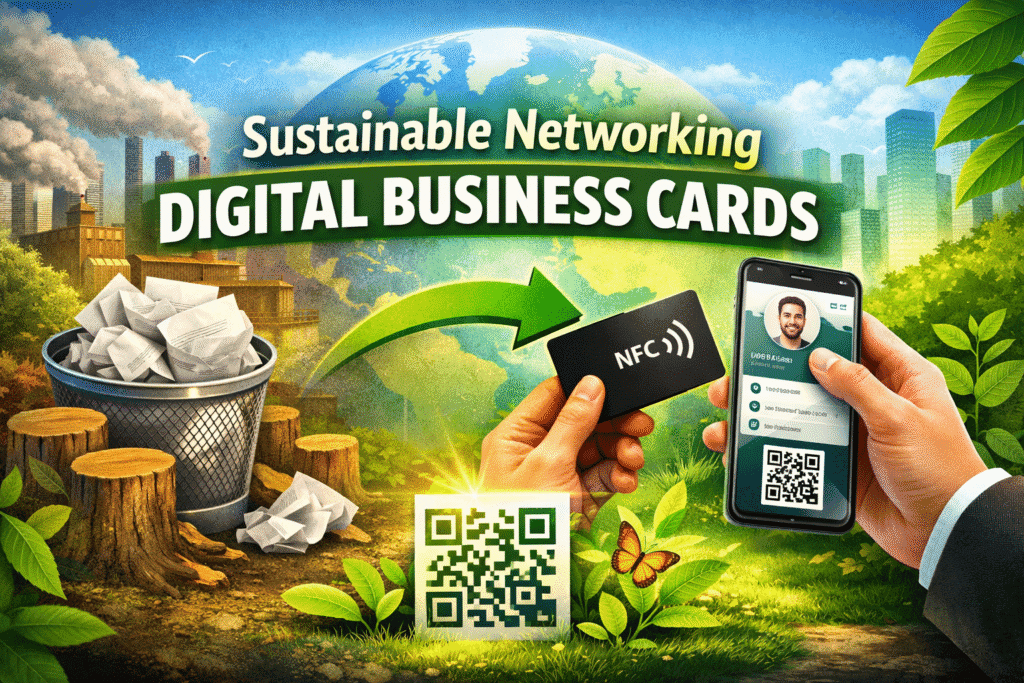
Enter the digital business card, a powerful evolution in email signatures that transforms every message you send into a dynamic networking opportunity. Rather than static text that can quickly become outdated, a digital business card introduces an interactive, engaging, and centralized hub where your contacts can instantly save your information, explore your services, book meetings, or connect with you across platforms.
This is where UINQO makes a difference. Built with Smart NFC cards, dynamic QR code, personalized landing pages, and an integrated contact management system, UINQO makes it possible to embed your entire digital identity directly into your email signature, and have it work for you every time you hit “send.”
Why a Digital Business Card Belongs in Your Email Signature?
Every email you send is a chance to make a connection. Think about it: clients, partners, prospects, and recruiters read your messages on their own time, in their own environment. Their inbox isn’t just a place for retrieval, it’s an engagement space. Research shows that including anything beyond basic text in an email signature increases response and click‑through rates. In fact, signatures with branded elements can boost click‑through rates by over 20% compared to emails without signatures, and companies that optimize their signatures see higher engagement metrics overall.
Despite this, nearly 90% of professionals use a single basic signature and don’t leverage it as a marketing or networking tool.
But imagine this: you’re a business consultant who sends out proposals to prospective clients every day. With a traditional static signature, your contact details are buried at the bottom of the message, and most recipients don’t bother to manually save them. With a digital business card in your email signature, every email becomes a networking engine, recipients can tap or click your contact link, save your details instantly into their phones, review your portfolio, schedule a meeting, and even explore your LinkedIn profile in seconds.
This isn’t speculative. In networking events where digital business cards are used, professionals have reported generating 60% of their leads just from scanning digital cards, and users are up to 700% more likely to share contact information digitally compared to paper cards.
Moreover, UINQO means your digital card isn’t static, if your phone number changes, if you update your portfolio, or if you add new credentials, your card updates in real time without needing to change the link or the QR code you share. This eliminates the confusion of outdated signatures floating around old email threads.
In a world where perception and professionalism matter, integrating a well‑designed digital card in your signature sends an undeniable signal that you are forward‑thinking, organized, and technologically savvy, a subtle but powerful credibility booster.
Step-by-Step Guide to Add Your Digital Business Card to Your Email Signature:
1. Access the Settings Page
First, download the UINQO digital business card app and set up your account. Click on Settings to open the account settings page. Once the page loads, scroll down until you find the Email Signature section, where you can configure and manage your email signature. Make sure your card is up-to-date and includes everything you want to share, such as your social media profiles, professional titles, or even a photo.
2. Enable the Email Signature Feature
In the Email Signature section, turn on the toggle switch located on the right side of the panel. Once the toggle is enabled, the email signature feature will be activated and the signature builder will become available for use.
3. Select the Signature Builder
In the Email Signature section, you will see two available options: Builder and Custom HTML. If you want to create your email signature quickly and easily without writing any code, select the Builder option. This tool allows you to generate a professional email signature by simply filling in your information.
4. Enter Your Digital Business Card Details
Next, enter your digital business card details in the information fields provided. Start by adding your Display Name, which should be your full name. Then enter your Job Title to indicate your professional role. After that, provide the Company name you work for or represent. You should also add your Phone number so recipients can contact you directly. In the Email field, enter your email address, and finally include your website or the link to your digital business card. All of this information will be displayed in your email signature card when it is added to your emails.
5. Preview Your Email Signature
After entering all the required information, scroll down to the Preview section located below the form. This section displays a live preview of your email signature, allowing you to see exactly how your digital business card will appear in your emails before saving or installing it.
6. Save the Email Signature
Once you are satisfied with the preview, click the Save Signature button. This action will store your digital business card signature in the system, allowing you to use it in your email communications.
7. Add the URL to Your Email Signature
Now, go to your email client (Outlook, Gmail, etc.) and open the signature settings. Paste your digital business card URL into your email signature, making it clickable so recipients can easily view your card.
8. Extra Tip Add a QR Code to Your Signature
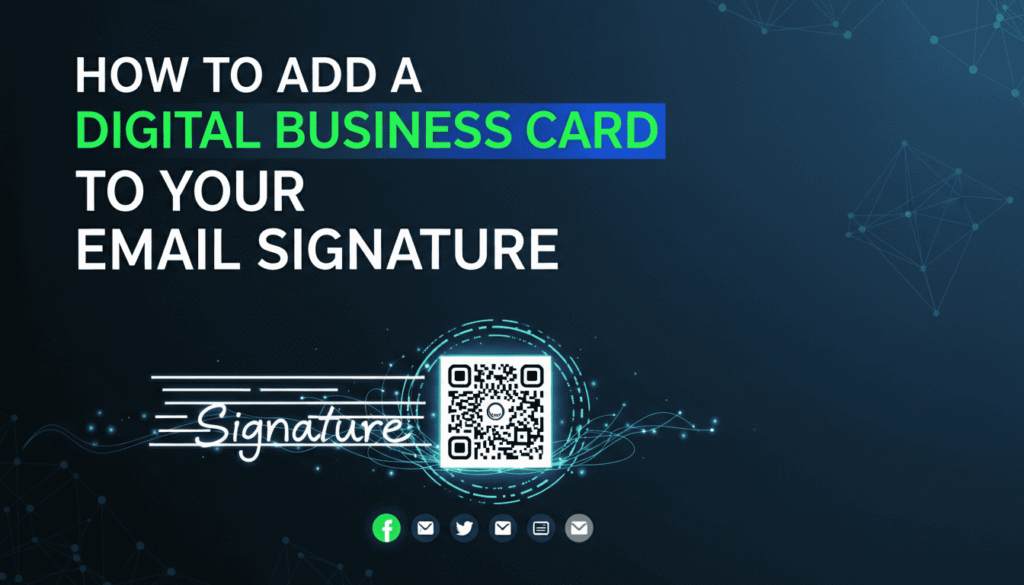
For an additional feature, you can download your unique UINQO QR code and include it in your email signature. This allows recipients to quickly access your digital business card by simply scanning the QR code with their smartphone.
The Technical Advantage Behind the Simplicity
What makes solutions like UINQO genuinely transformative isn’t just that they look modern, it’s that they incorporate powerful technology behind an intuitive interface.
At its core, UINQO combines NFC compatibility, dynamic QR accessibility, and a centralized contact management ecosystem. When someone accesses your card, the interaction can be logged for analytics, helping you see engagement patterns that were previously invisible. According to industry research, email signature clicks‑through rates can average around 4%, significantly outperforming typical marketing emails.
In contrast to static signatures, which are essentially invisible branding assets, digital cards provide measurable insights. You can understand how often your signature is clicked, which links are most engaging, and what content drives the most interest.
For a freelancer who sends dozens of proposals a week, this becomes strategic intelligence. Instead of sending out countless emails with unknown impact, you can gauge how recipients engage with your information and refine your approach. For sales professionals, this means tracking engagement in real time and prioritizing follow‑ups with contacts who actively interacted with your digital card.
How Digital Signatures Drive Results
Imagine you’re a software developer pitching services to enterprise clients. In your email signature, your digital card includes links to your GitHub projects, your online portfolio, and scheduling tools. A recipient reviewing your message can instantly assess your work quality without searching manually, leading to a smoother decision‑making process. That kind of streamlined experience is not just convenient, it builds trust.
Or consider a consultant who attends dozens of conferences yearly. Instead of handing out stacks of paper cards and hoping contacts remember to follow up, you send a QR code in a follow‑up email. That QR code becomes a bridge to your full professional profile, dramatically increasing the chance of meaningful engagement.
Statistically, professionals using digital business cards report higher follow‑up rates and more rapid contact saving than those using traditional paper cards, with significant increases in networking efficiency at events and online interactions.
Turning Every Email into a Networking Opportunity
Embedding a digital business card into your email signature is more than a cosmetic enhancement, it’s a strategic upgrade to your communication infrastructure.
With UINQO, your email signature stops being a static footnote and becomes a gateway that simplifies connection, accelerates engagement, and amplifies professional opportunities. As the workplace becomes increasingly interconnected and digital, adopting forward‑thinking tools like digital business cards signals credibility, professionalism, and adaptability. In 2026 and beyond, this kind of innovation isn’t just a perk, it’s a necessity for anyone serious about networking, lead generation, and clear professional identity in the digital age.
Ready to transform your email into a powerful networking tool? Start using UINQO today and embed your digital business card in every email you send: connect smarter, save time, and make every message count. Create Your Digital Business Card Now!